Discord: alexmini: ### Version of WinUtil
26.07.17
What part of WinUtil are you having issues with?
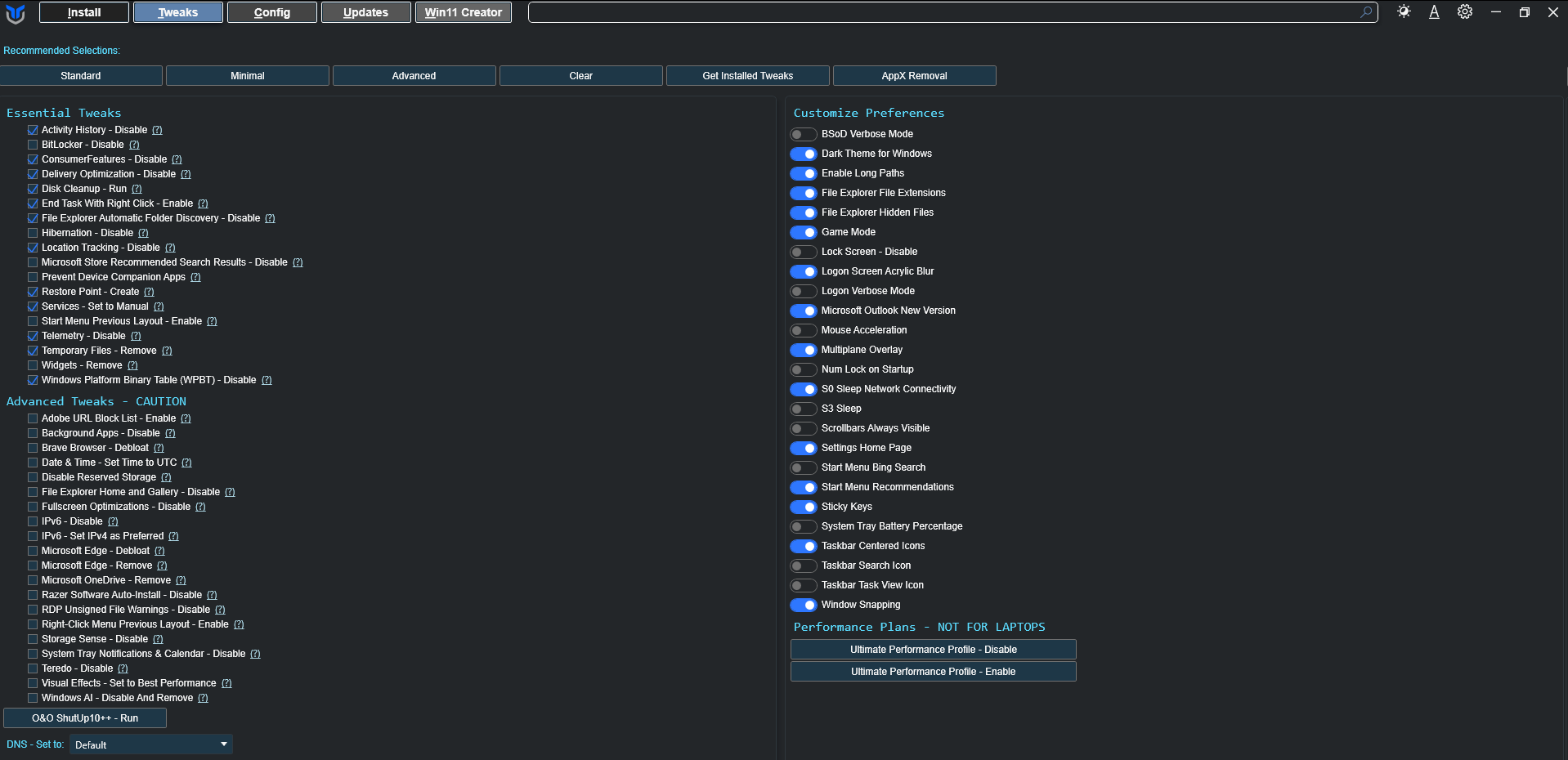
Tweaks Tab
Provide a clear and concise description of the issue.
Description
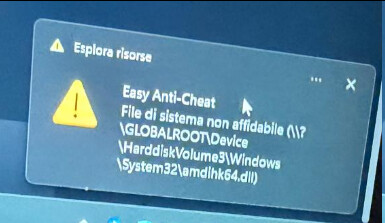
After running WinUtil (Tweaks tab, “Standard” preset) on a friend’s laptop, Epic Games titles using Easy Anti-Cheat stopped launching. EAC now shows:
Easy Anti-Cheat
Untrusted system file
\?\GLOBALROOT\Device\HarddiskVolume3\Windows\System32\amdlhk64.dll
This started right after the WinUtil run.
Environment
- Laptop: ASUS
- CPU: AMD Ryzen (4th gen)
- GPU: Nvidia RTX 2060
- Storage: NVMe SSD + HDD
- OS: Windows 11
- WinUtil preset used: Standard
Steps to reproduce
- Run WinUtil (
irm https://christitus.com/win | iex) - Go to Tweaks tab, select the “Standard” preset, apply
- Reboot
- Launch any Epic Games title that uses Easy Anti-Cheat
Expected behavior
Game launches normally through Easy Anti-Cheat.
Actual behavior
Easy Anti-Cheat blocks the launch with “Untrusted system file” pointing to amdlhk64.dll.
Question
Has anyone else seen EAC/anti-cheat “untrusted file” errors correlate with running the Standard preset?